Initial Setup
After installation completes and you open WorkingRoom in your browser, complete the following initial setup flow for your first account.
1. Open the sign-up page
From the initial sign-in screen, move to the sign-up page to create your first account.
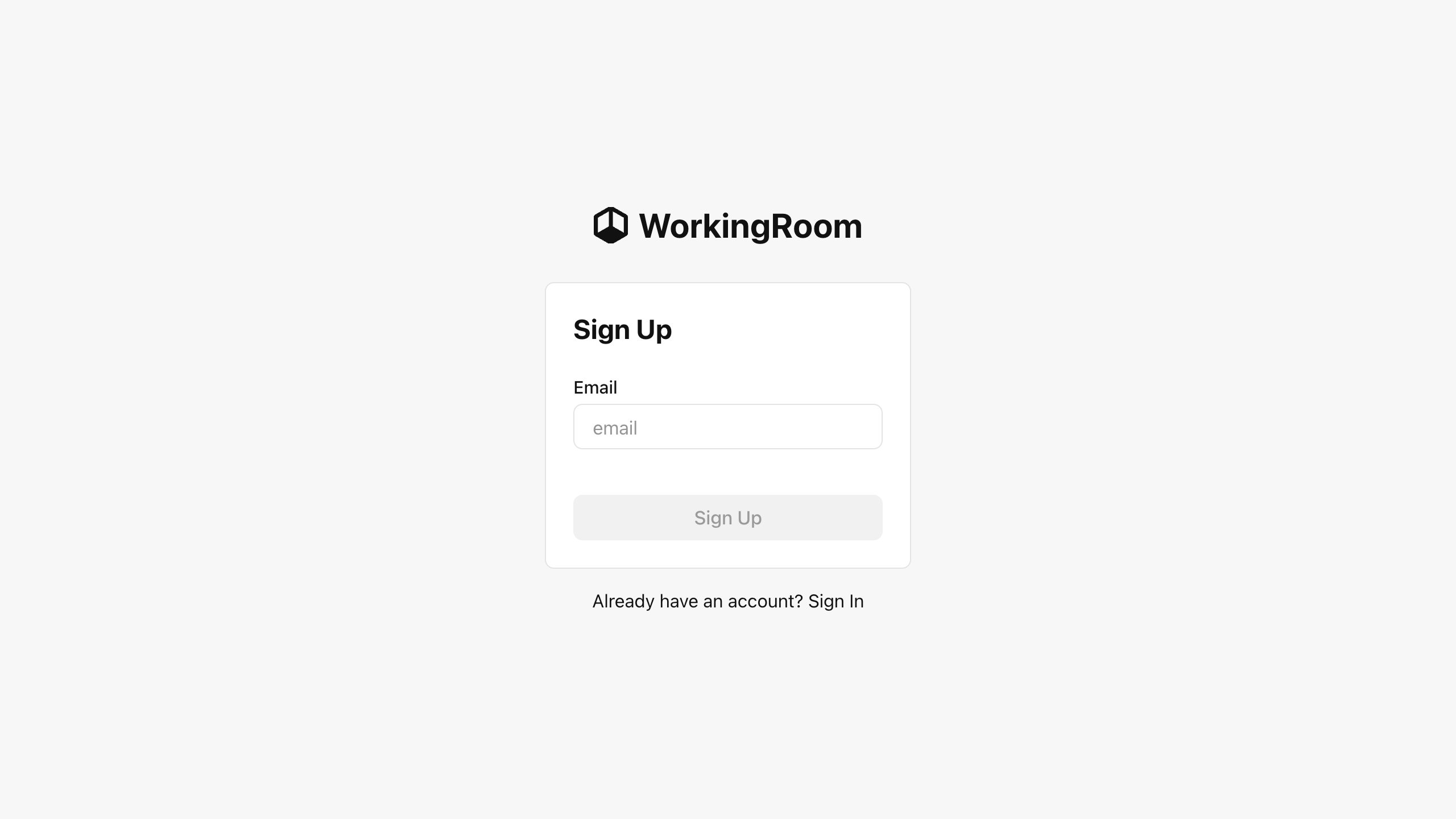
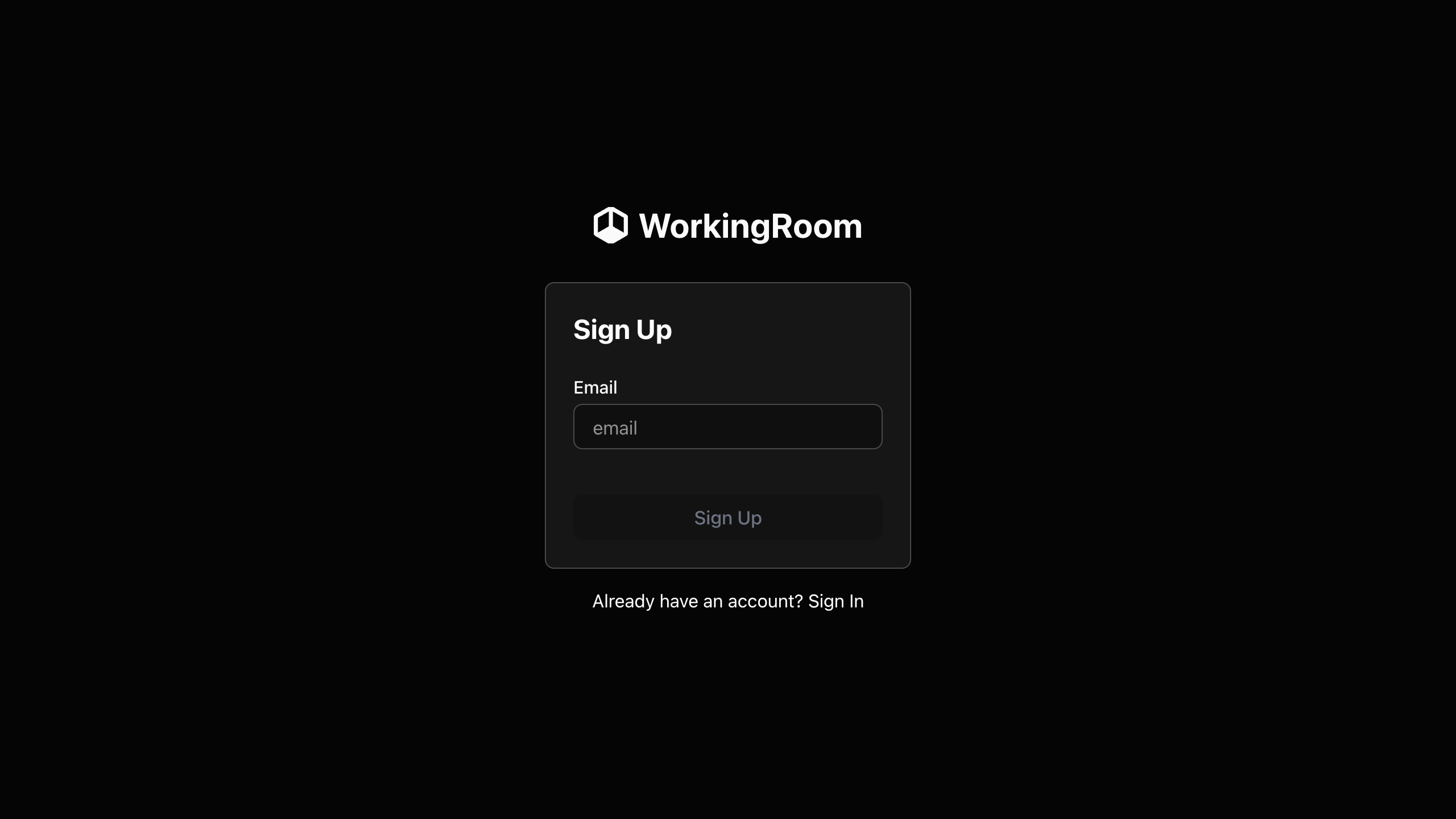
2. Create your account
Complete the sign-up form and submit it.
When registration finishes, WorkingRoom shows a screen where you can download the initial password for the account you just created. Select Download password and save the file locally.
Keep the downloaded password in a safe place. You will need this initial password for your first sign-in.
3. Sign in with the initial password
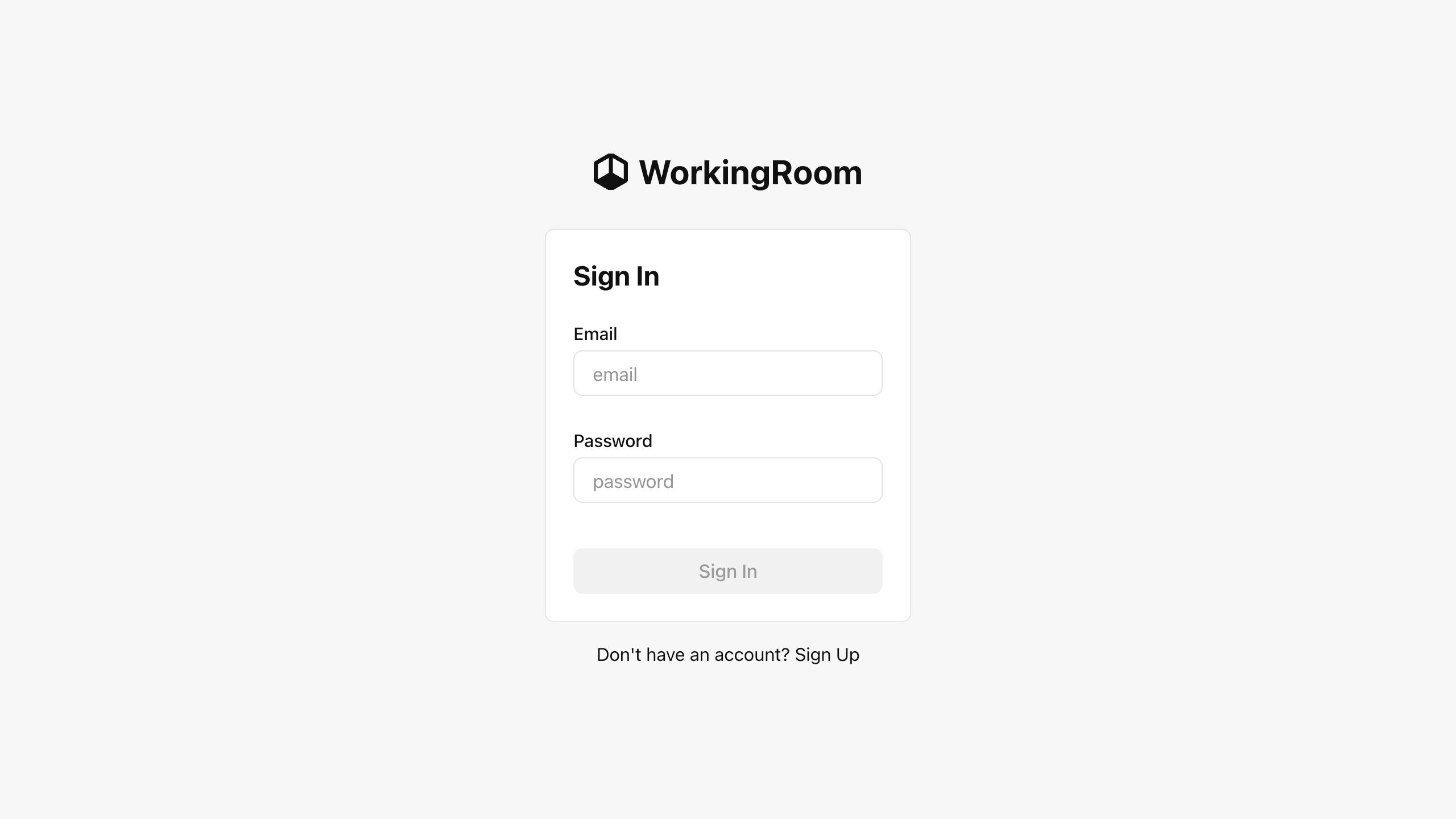
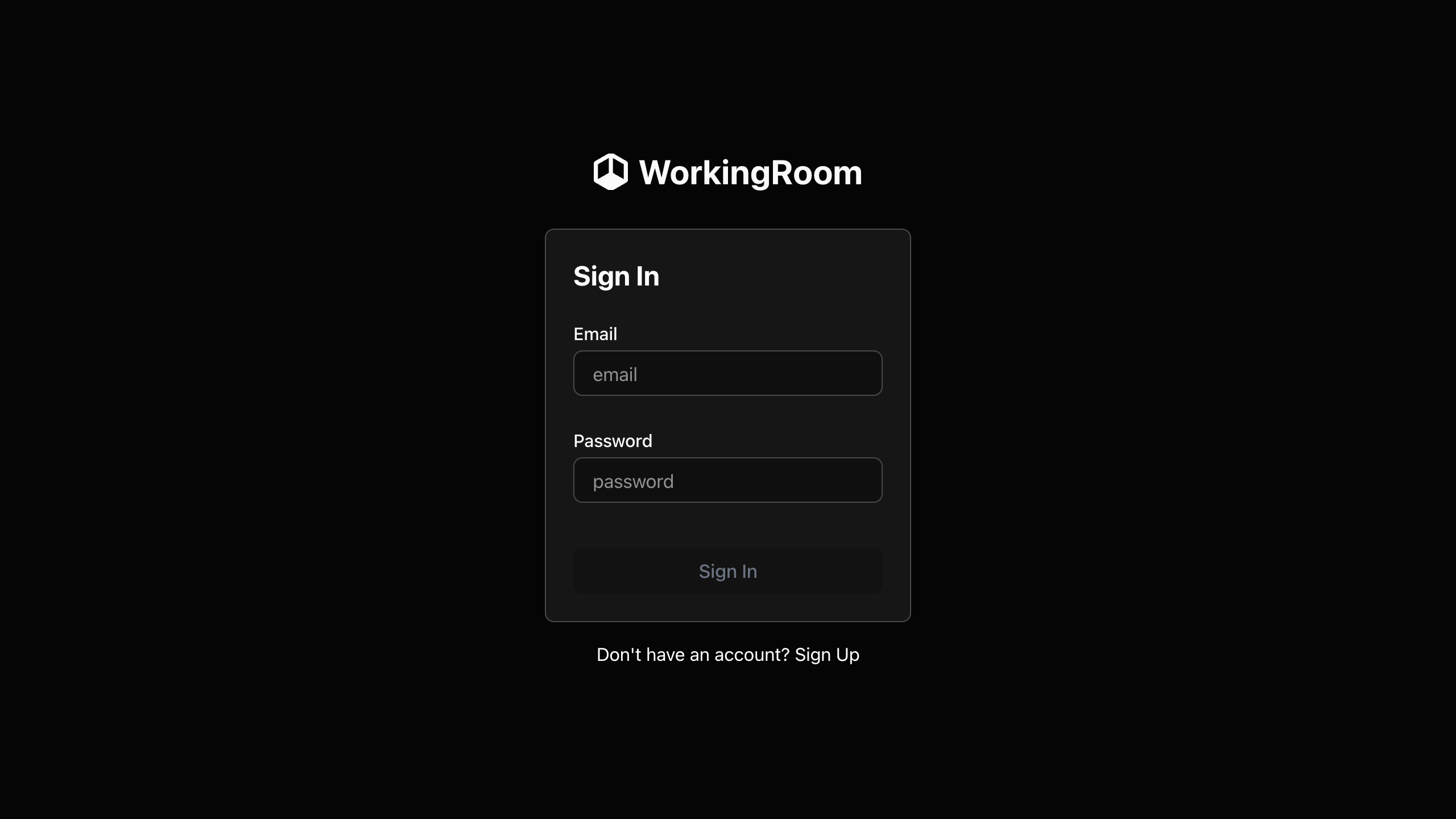
Return to the sign-in page and enter the account ID you registered together with the downloaded initial password.
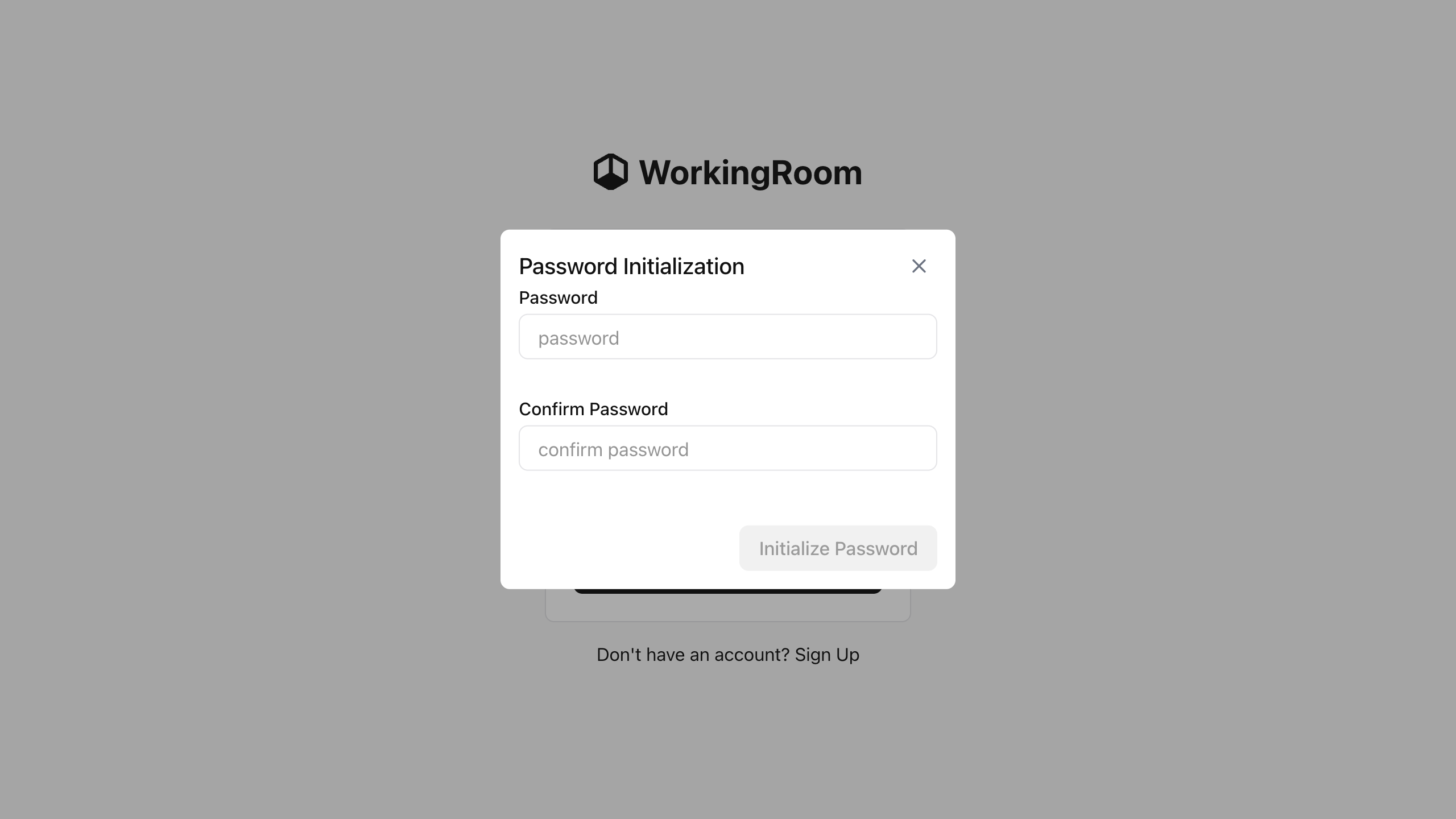
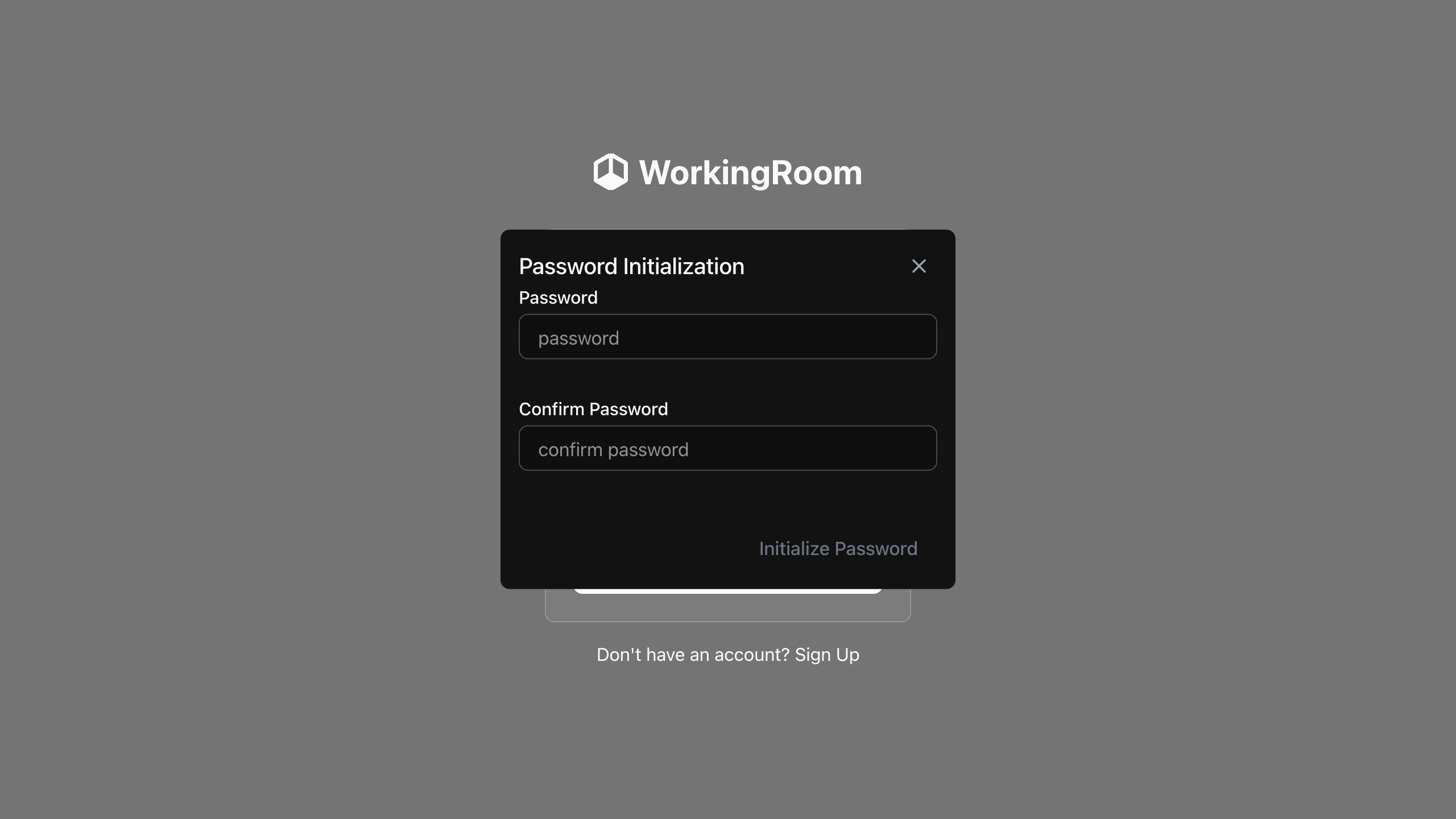
After the initial sign-in, reset your password and replace the downloaded initial password with a new one that only you know.
By default, a single WorkingRoom server can create only one tenant.
If you want to add more users to that tenant after completing the initial setup, refer to the Invite User documentation.